
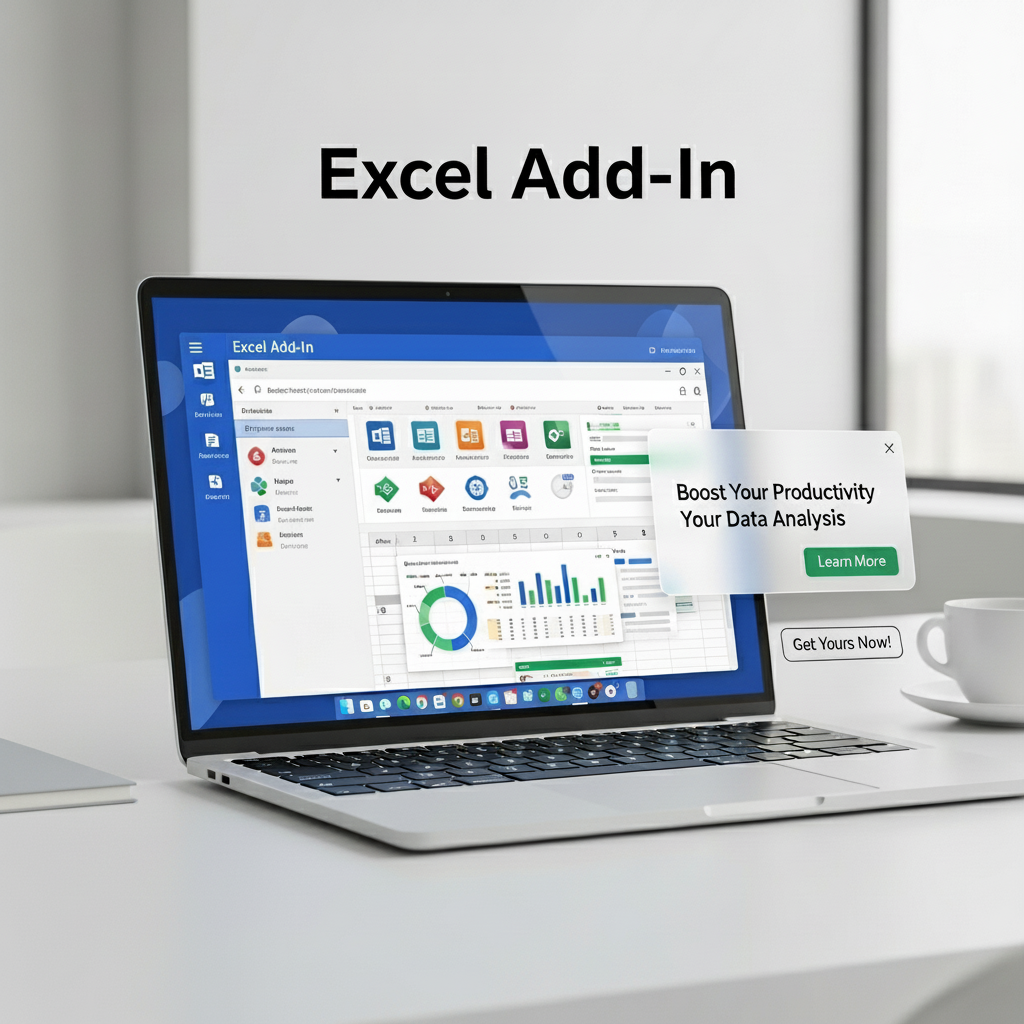
Excel Add-In (Dose for Excel)
Description
Transform Your Excel Experience
Dose for Excel is a powerful utility add-in that seamlessly integrates with Microsoft Excel, adding 100+ new features and functions directly into your Excel ribbon. Streamline data management, automate repetitive tasks, and achieve professional results in minutes instead of hours.
Ribbon Integration
All 100+ new features are seamlessly integrated into your existing Excel ribbon. No need to learn new software – everything works where you already work.
Time-Saving Automation
Automate complex Excel tasks with single-click operations. Perform in minutes what used to take hours of manual work and complex formulas.
Professional Tools
Access advanced data analysis, cleaning, reporting, and visualization tools previously only available in expensive professional software.
Powerful Features
A glimpse of what’s included in the 100+ feature suite
Data Cleaning Tools
Remove duplicates, merge cells, split text, trim spaces, and clean messy data with one-click operations. Perfect for preparing data for analysis.
Text to Columns
Advanced Analysis
Perform complex statistical analysis, create pivot tables, generate forecasts, and run what-if scenarios without writing complicated formulas.
Pivot Enhancements
Reporting & Formatting
Create professional reports instantly with advanced formatting tools, custom templates, and automated report generation features.
Smart Formatting
Who Needs Dose for Excel?
Perfect for professionals who work with data daily
Financial Analysts
Streamline financial modeling, budgeting, forecasting, and reporting with advanced tools that eliminate manual calculations.
Data Scientists
Clean, analyze, and visualize large datasets with professional-grade tools that integrate seamlessly with your Excel workflow.
Business Professionals
Create stunning reports, dashboards, and presentations in minutes instead of hours with automated formatting and visualization tools.
What Users Say
“I save at least 10 hours per week with Dose for Excel. The data cleaning tools alone have cut my report preparation time by 70%. This is the best Excel investment I’ve ever made.”
Financial Analyst
“As a data scientist, I work with massive datasets daily. Dose for Excel has tools I didn’t even know I needed. The advanced analysis features are game-changers for quick insights.”
Data Scientist
Supercharge Your Excel Today
Join thousands of professionals who have revolutionized their Excel workflow. Get instant access to 100+ time-saving features for a one-time payment.
67
USD
66% OFF
100+ Excel Features & Functions
Lifetime Updates & Support
Works with Excel 2010, 2013, 2016, 2019, 2021, 365
60-Day Money Back Guarantee
Frequently Asked Questions
Q: Which versions of Excel does Dose for Excel work with?
A: Dose for Excel is compatible with Excel 2010, 2013, 2016, 2019, 2021, and Microsoft 365 (both 32-bit and 64-bit versions).
Q: Is it difficult to install?
A: Not at all! Installation takes less than 2 minutes. Simply run the installer, and Dose for Excel will automatically integrate with your Excel ribbon. No technical skills required.
Q: Will it slow down my Excel?
A: No, Dose for Excel is optimized for performance. It only loads tools when you need them, so it won’t affect Excel’s speed or performance.
Q: What if I’m not satisfied with the product?
A: We offer a 60-day money-back guarantee. If Dose for Excel doesn’t save you at least 2 hours per week (or you’re unhappy for any reason), we’ll refund your purchase, no questions asked.




Reviews
There are no reviews yet.